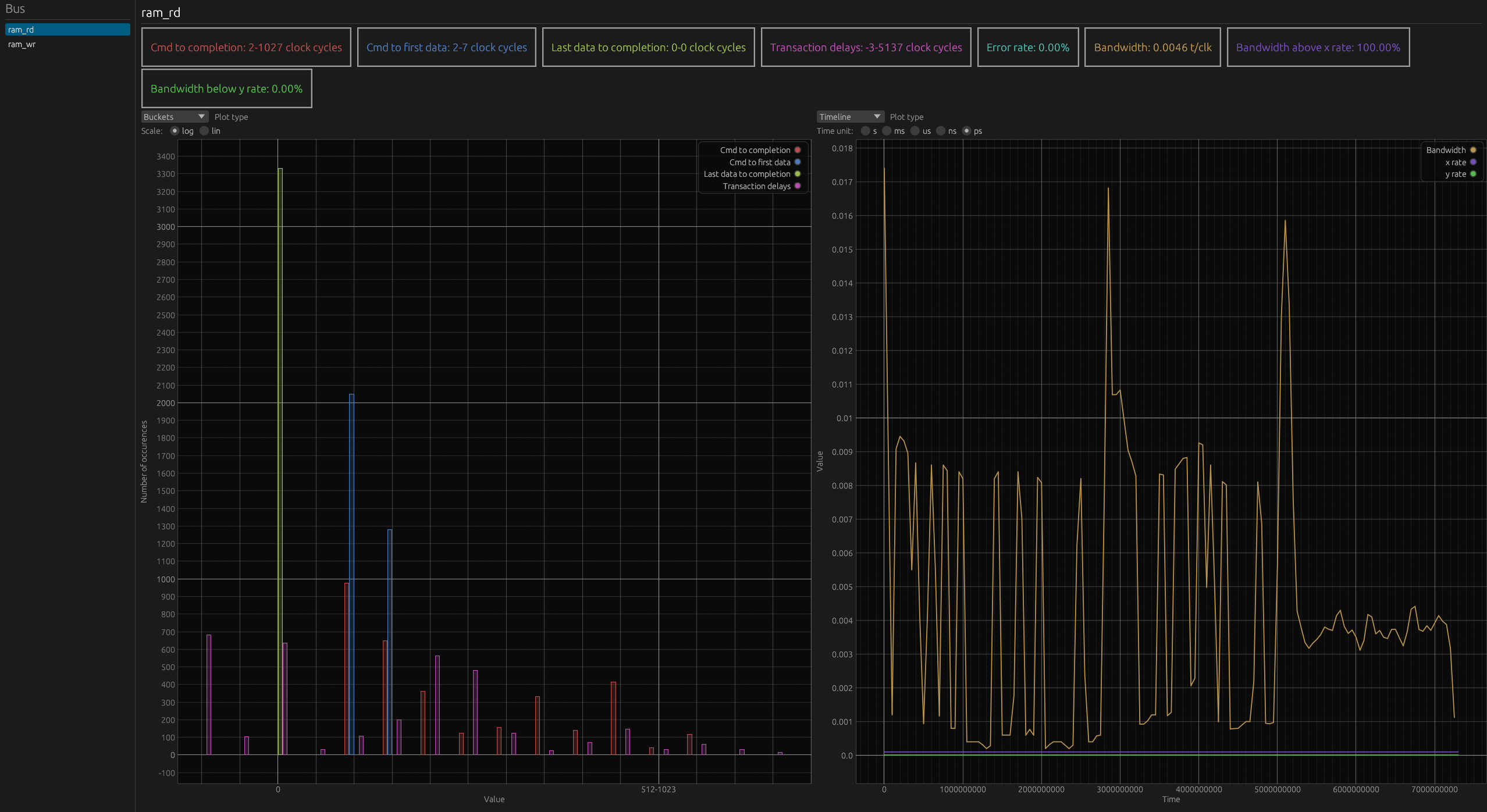
Output
For each described bus, Busperf will calculate and display several statistics.
Single channel
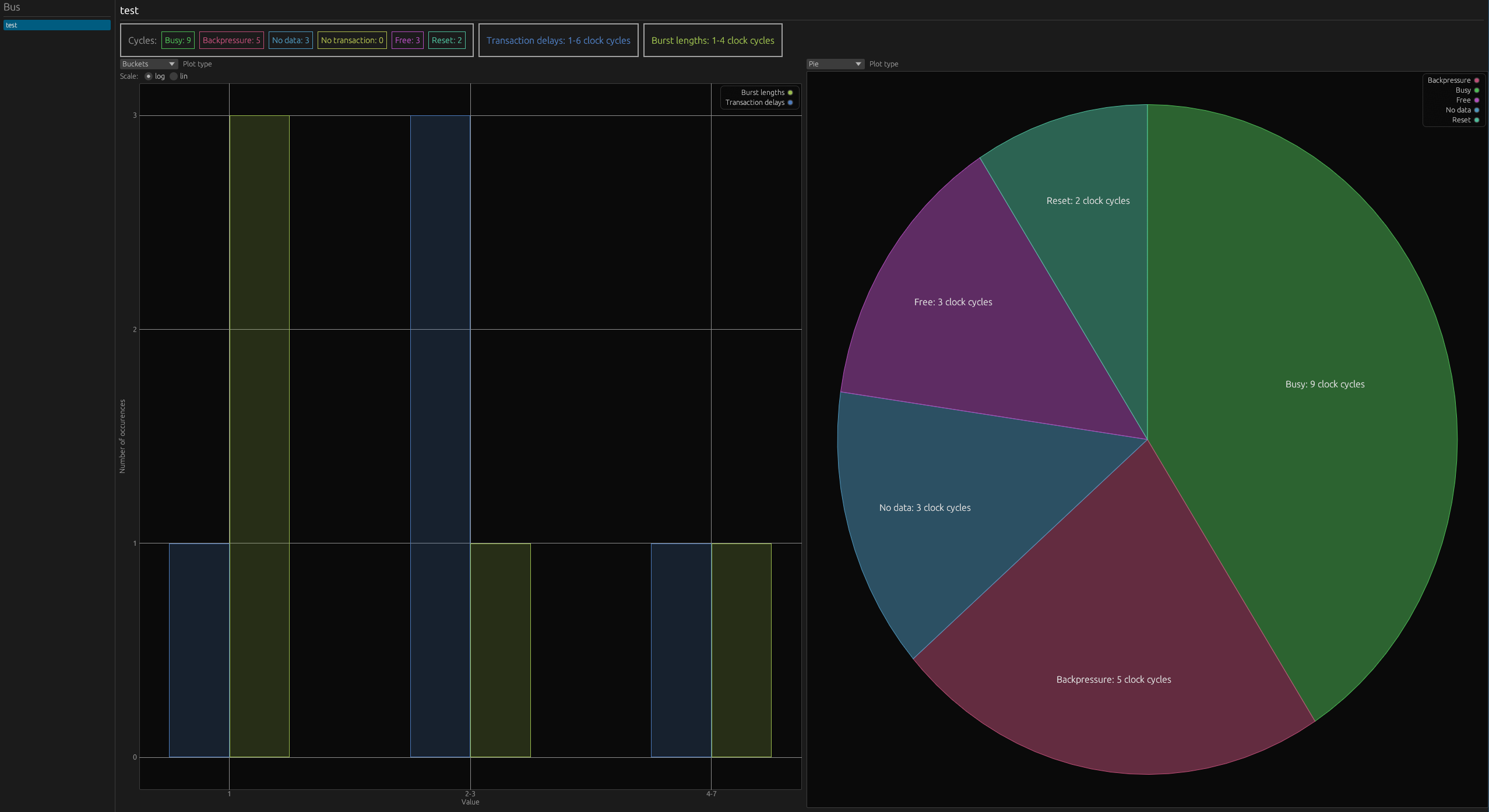
bus_name: name of the busbusy: number of clock cycles performing transactionfree: bus is not usedno transaction: transaction is not performedbackpressure: backpressureno data: receiver ready but no data is available to transferreset: clock cycles with reset activetransaction delays: delays in clock cycles between transactionsburst lengths: lengths of bursts including delays during burst
Table matching state of the bus with Busperf statistic name:
busperf |
busy |
free |
no transaction |
backpressure |
no data |
unknown |
|---|---|---|---|---|---|---|
axi |
ready && valid |
!ready && !valid |
not used |
!ready && valid |
ready && !valid |
no used |
ahb |
seq / no seq |
idle |
not used |
hready |
trans=BUSY |
other |
credit valid |
credit>0 && valid |
credit>0 && !valid |
credit=0 && !valid |
not used |
not used |
other |
apb |
setup or access phase |
!psel |
not used |
access && !pready |
not used |
other |
Multi channel
Cmd to completion: number of clock cycles from issuing a command to receiving a responseCmd to first data: number of clock cycles from issuing a command to first data being transferredLast data to completion: number of clock cycles from last data being transferred to transaction endTransaction delays: delays between transactions in clock cyclesError rate: percentage of transactions that resulted in errorBandwidth: averaged bandwidth in transactions per clock cycle
Examples
Single channel buses
bus name |
Busy |
Backpressure |
No data |
No transaction |
Free |
Reset |
Transaction delays |
Burst lengths |
|---|---|---|---|---|---|---|---|---|
test |
9 |
5 |
3 |
0 |
3 |
2 |
1 x1; 2-3 x3; 4-7 x1 |
1 x3; 2-3 x1; 4-7 x1 |
bus name |
Busy |
Backpressure |
No data |
No transaction |
Free |
Reset |
Transaction delays |
Burst lengths |
|---|---|---|---|---|---|---|---|---|
a_ |
0 |
0 |
15 |
0 |
0 |
15 |
16-31 x1 |
No transaction on this bus |
b_ |
0 |
0 |
15 |
0 |
0 |
15 |
16-31 x1 |
No transaction on this bus |
Multi channel buses